.png)
CYBERFLASHING - What is it and How you protect your kids from it!
- bikrscare

- Mar 30
- 1 min read
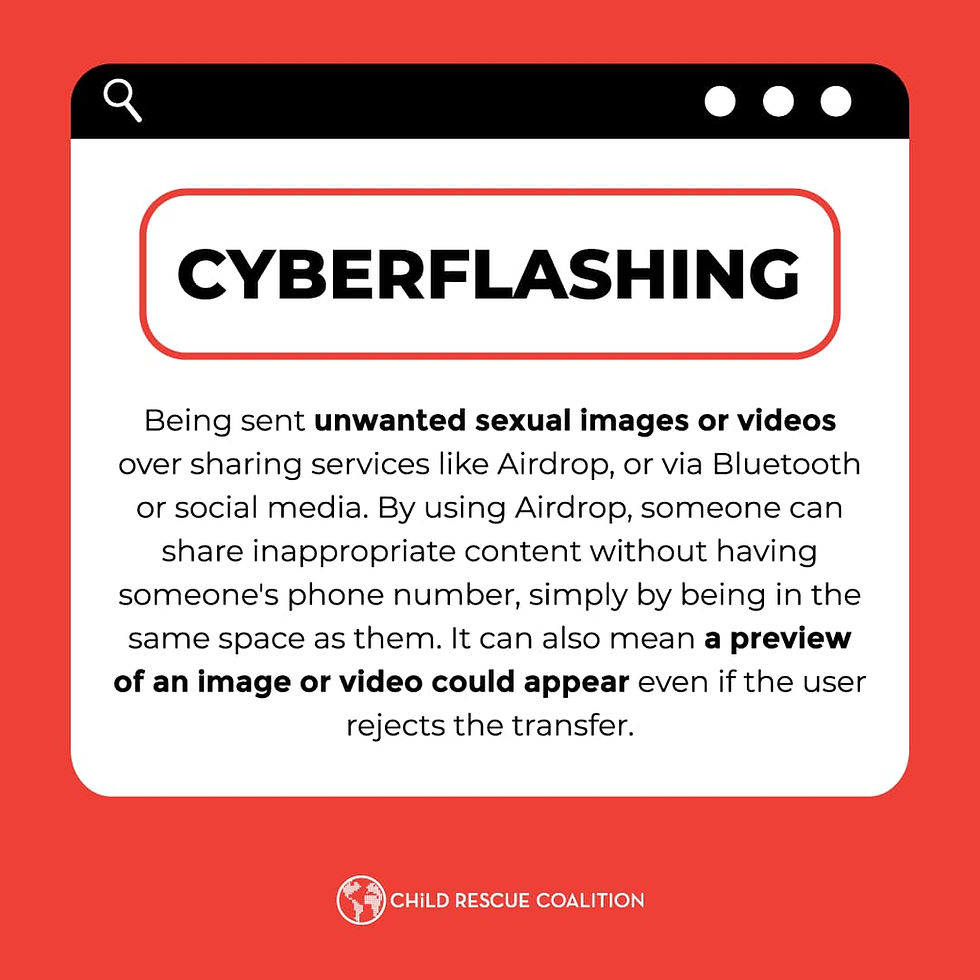
Cyber flashing is the unsolicited sending of sexually explicit images or videos to a device, often via AirDrop, Bluetooth, or messaging apps. Educate kids by setting AirDrop to "Contacts Only," encouraging them to tell a trusted adult if they receive something uncomfortable, and teaching them that online boundaries and consent are just as important as in-person ones.
How to Educate Your Kids
Open the Dialogue: Discuss online risks, including cyber flashing, in a relaxed, non-judgmental way to encourage them to come to you if something happens.
Set Device Boundaries: Configure AirDrop to "Contacts Only" or "Receiving Off," and disable Bluetooth when not in use.
Establish "No-Blame" Reporting: Teach children that if they see something inappropriate, they should not respond or delete it immediately, but rather show a parent.
Encourage Privacy and Skepticism: Teach children to never accept friend requests from people they do not know in real life, as these are common sources of inappropriate content.
Explain Consent and Body Safety: Teach them that no one has the right to send them inappropriate images, and they have the right to control their digital experience.
Key Safety Steps
Use Parental Controls: Use filters to limit access to inappropriate content and monitor apps where direct messaging occurs.
Keep Devices Public: Have children use computers and tablets in common areas rather than private bedrooms.
Report It: If an image is received, take a screenshot and report it to the platform, school, or law enforcement.


Comments